Learn from the best!
Every week, I curate the viral videos overperforming across 40+ European radio stations. Join for free!
Every week, I curate the viral videos overperforming across 40+ European radio stations. Join for free!
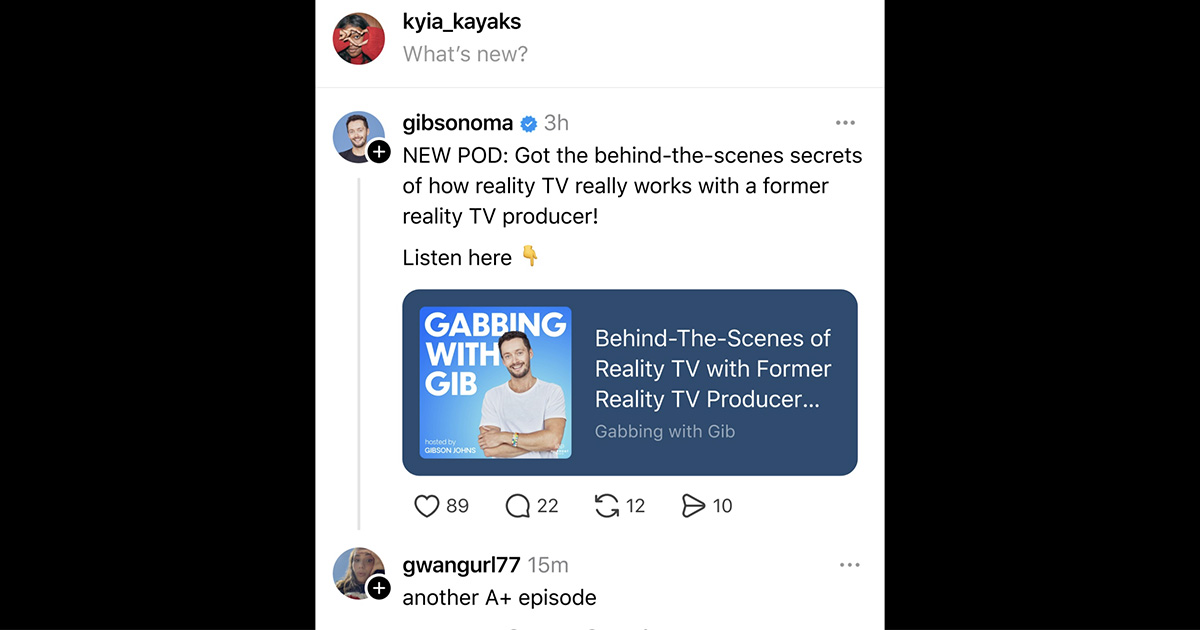
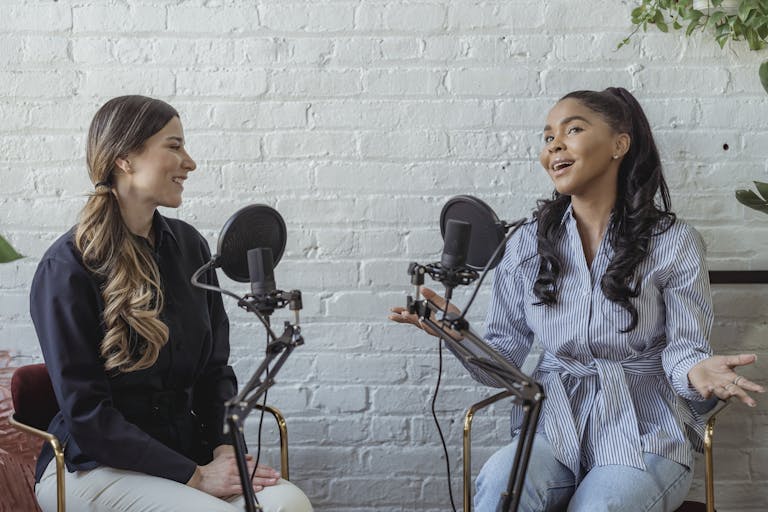
Meta is aiming to position Threads as the social platform for audio creators. After surpassing 400 million active users, the app is refining its strategy with new features designed specifically for podcasters and content studios.
Until now, podcast-related conversations were scattered across Reddit, YouTube, Spotify or X. Threads wants to bridge that gap: the platform is testing a set of features designed to make podcasts more visible and more interactive directly inside the social feed.
Creators can now add their podcast to their profile bio, with a visual preview and a direct link to episodes. When a user shares an episode, an enhanced preview appears automatically: artwork, title and a custom background, currently compatible with Spotify, with more listening platforms to follow.
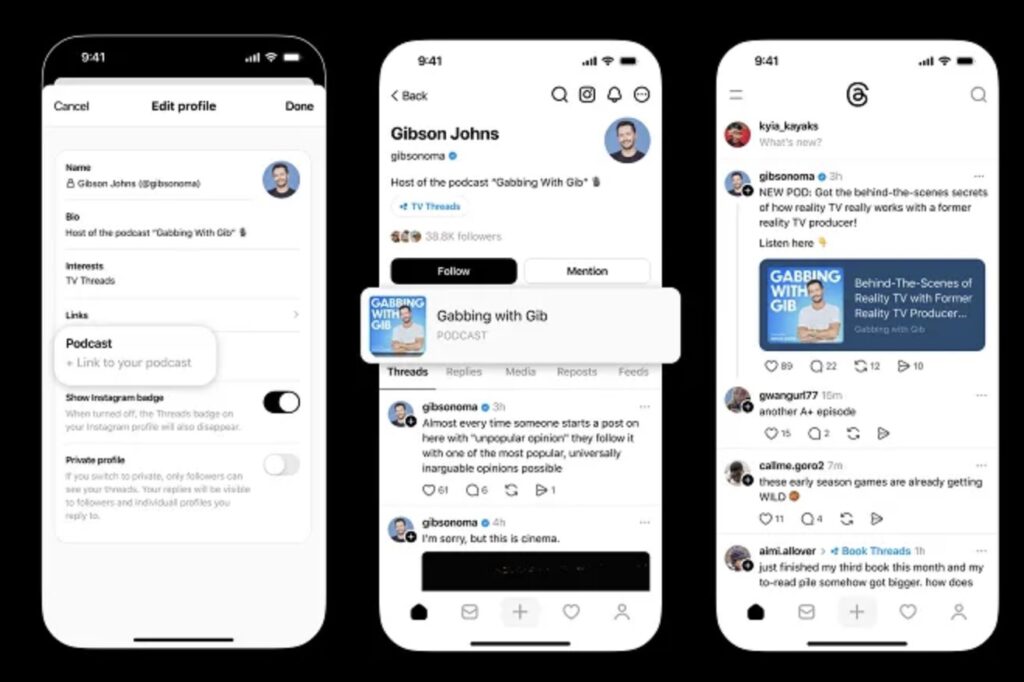
Behind this update lies a simple insight: podcasters need a space where conversations can extend beyond listening. Threads wants to become the place where communities gather around shows. Connor Hayes, Product Lead, explains that these tools are meant to help creators “promote their work and build an active community.” Additional features are coming soon: engagement stats, podcast suggestions, and discovery tools based on user interests.
While X (formerly Twitter) still claims around 600 million users but struggles to keep creators engaged, Meta is advancing with a different promise: a calmer, more conversational space. Threads is targeting a specific audience — journalists, hosts, podcasters and producers looking for a network to share, discuss and retain their listenership.
This “audio-friendly” direction adds to several recent updates: long-form posts, multiple link options in bios, simpler creator tools, and more.
The feature is currently rolling out globally, so it may not appear on all profiles yet. To enable it:

Disney+ is preparing for the arrival of vertical videos in its application. Their aim is to increase daily usage and catch up with social and video platforms that have established the scroll reflex. The announcement was made at Disney’s Tech + Data Showcase at CES in Las Vegas. It is part of a series of…
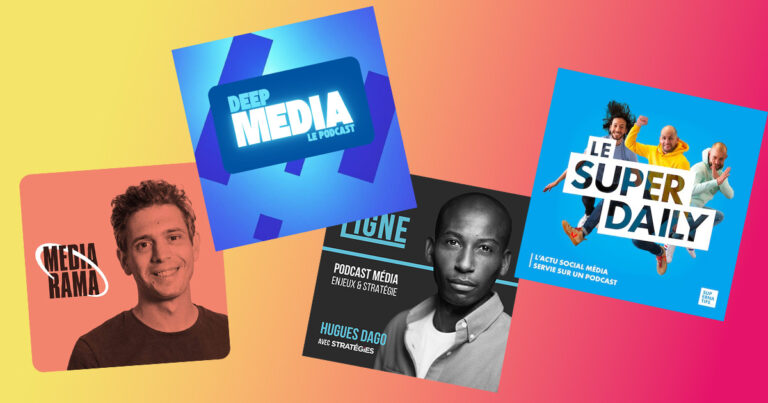
In a field that moves at insane speed, podcasts have become a key resource.Here’s our pick of French podcasts that help you track platform trends, audience shifts and editorial innovation — if you work in social, digital or media marketing. Deep Media – Julien Boujot Independent podcast launched in 2025 by Julien Boujot. Long-form interviews…
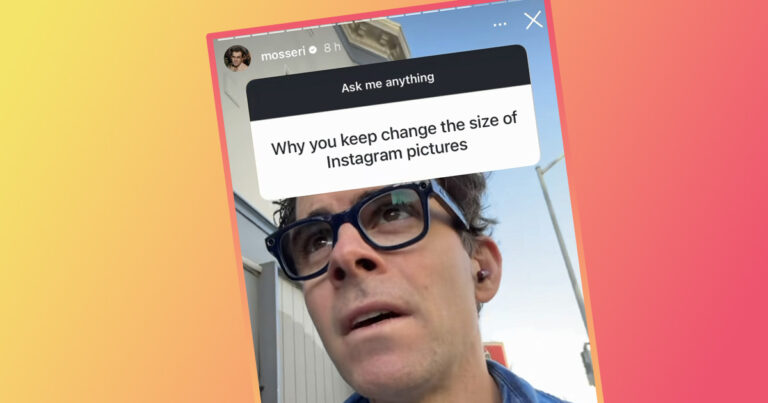
This week, Instagram director Adam Mosseri took advantage of his Q&A session to talk about important topics such as features in testing, sponsorship and creator compensation. As we do every week, we decipher his answers for you to help you stay on top of Instagram news. Can you link a Reel after posting? Yes. Open…
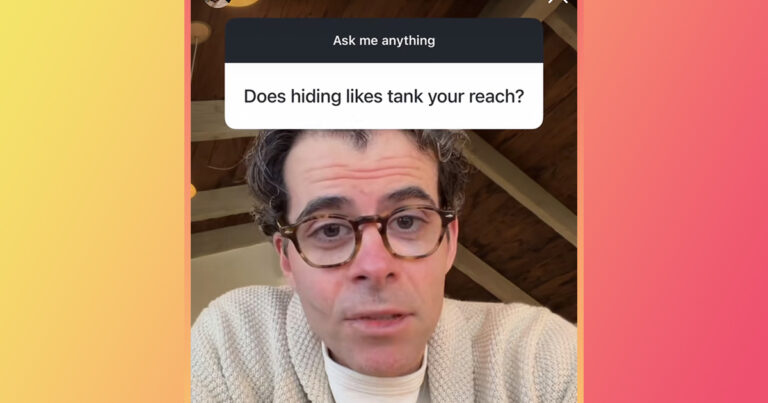
Adam Mosseri did not dodge the sensitive questions this week in his usual Q&A session.Instagram’s Head faced direct criticism about how the app is evolving, made a major statement about the actual usefulness (or uselessness) of hashtags — and finally clarified Instagram’s position on “shadowbanning”. This is one of the most substantial FAQs for creators…
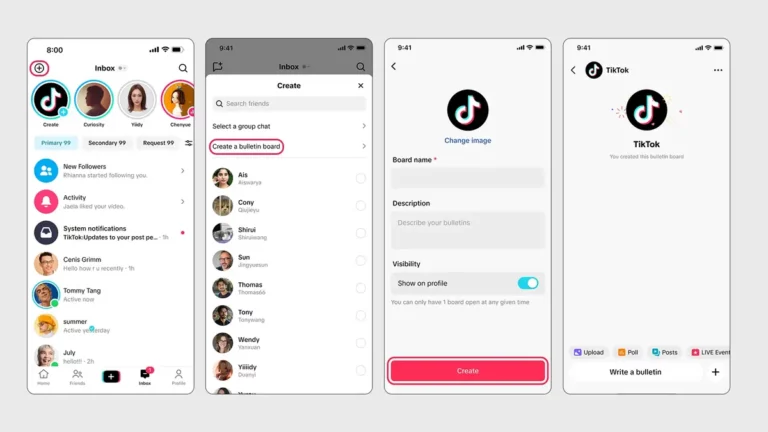
TikTok is rolling out a new feature to bring creators closer to their audience. Bulletin boards” are now available all over the world, including France. The format is inspired by Instagram, Whatsapp and Messenger. What are bulletin boards for? A bulletin board is a simple distribution space. The creator speaks. The audience listens and reacts….
Most podcasts stagnate for one simple reason: they try to convince people who don’t listen to podcasts. The most honest advice comes from the podcasters themselves, the ones who test, fail and try again. On r/podcasting, they give practical, no-budget, space-buying advice on what has worked for them. Here are the ones that work best…